Social creator
A short clip looks right in preview, but a visible mark would distract from the post.
Verify the export itself, not just the editing view, before finishing the series.
free online video editor no watermarkEditing guide
Using an online video editor for free starts with a small, specific project: one clip, a clear cut, and an intended destination. Prepare your footage first, then check what the editor lets you preview and export before committing to a longer edit.
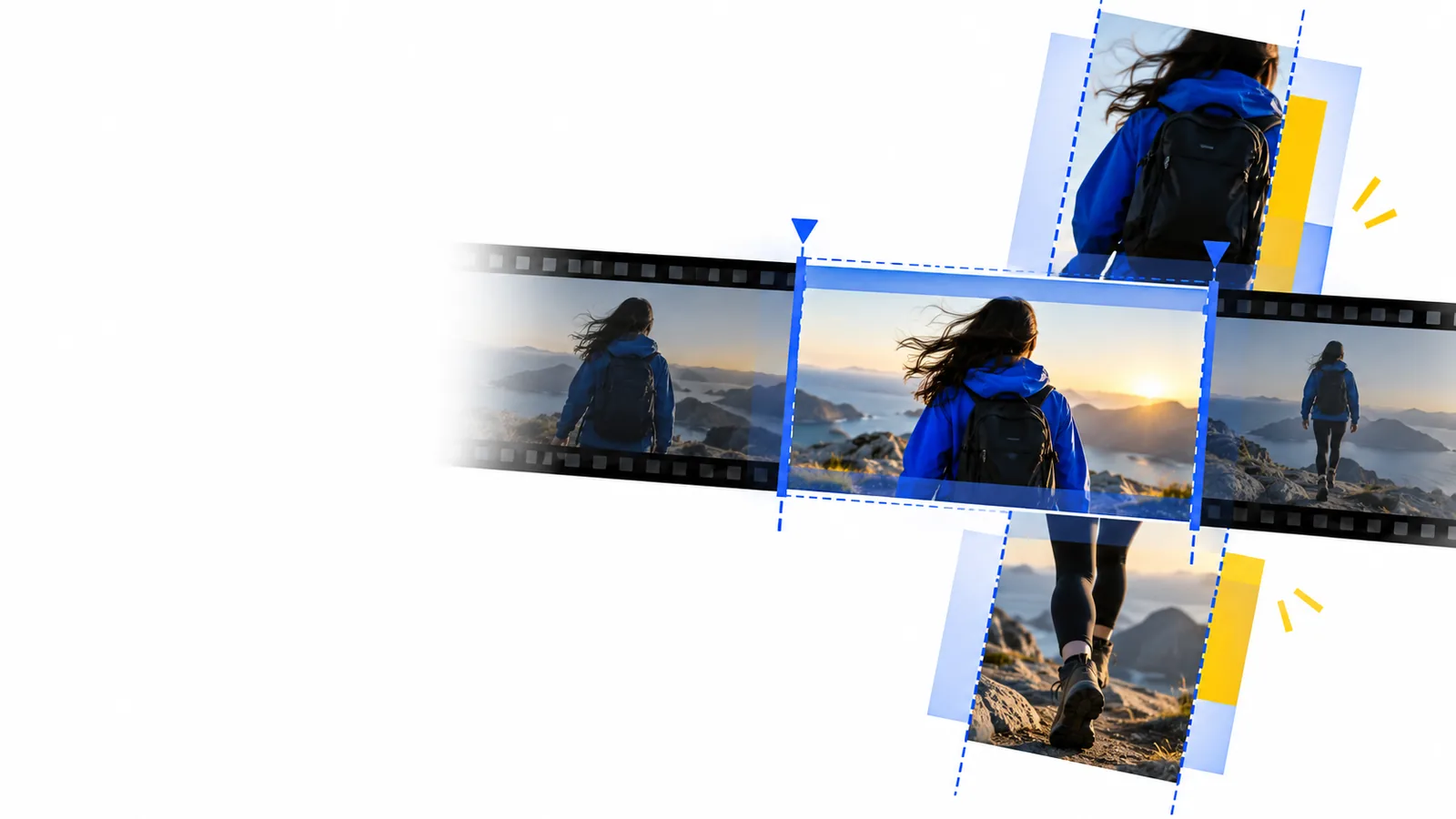
Keep the first project modest. Have a copy of your source clip, know where the finished video will appear, and decide which changes are essential rather than merely nice to have.
Use a short test project to learn the workflow and identify restrictions. An online video editor is easier to assess when you know exactly what the finished clip needs.
Choose a recording with a clear start and end. Note the moment you want viewers to see first, and make a separate copy so your source remains untouched.
Open the editor, bring in the clip, remove the unwanted beginning and ending, and preview the result. Add captions or a different frame shape only if the project calls for them.
Before you treat the project as done, review any stated access requirements, watermark rules, resolution limits, and export options. Save and watch the resulting file if an export is available.
Compare the job you need done with the result you can actually take away. A useful preview does not, by itself, establish that the export meets your needs.
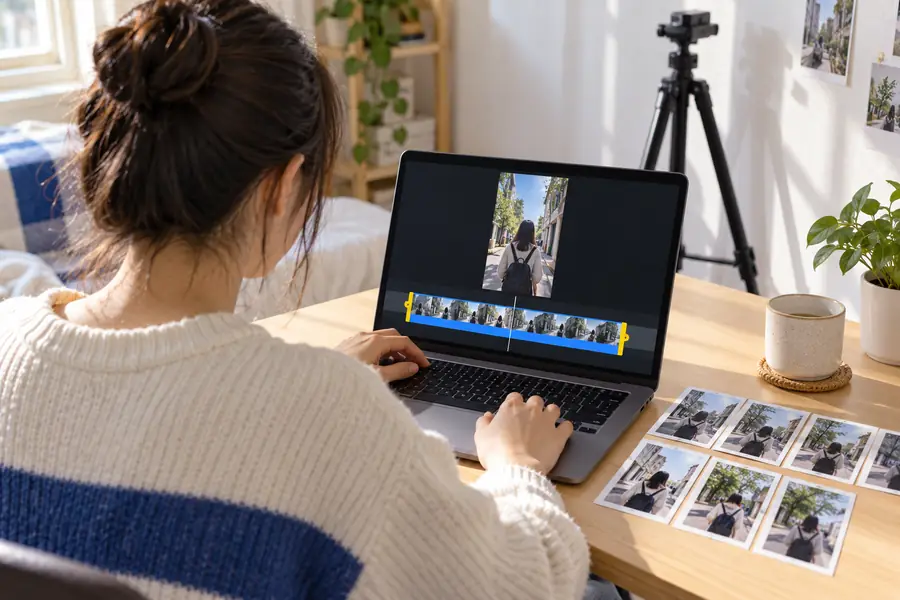 Source and edit
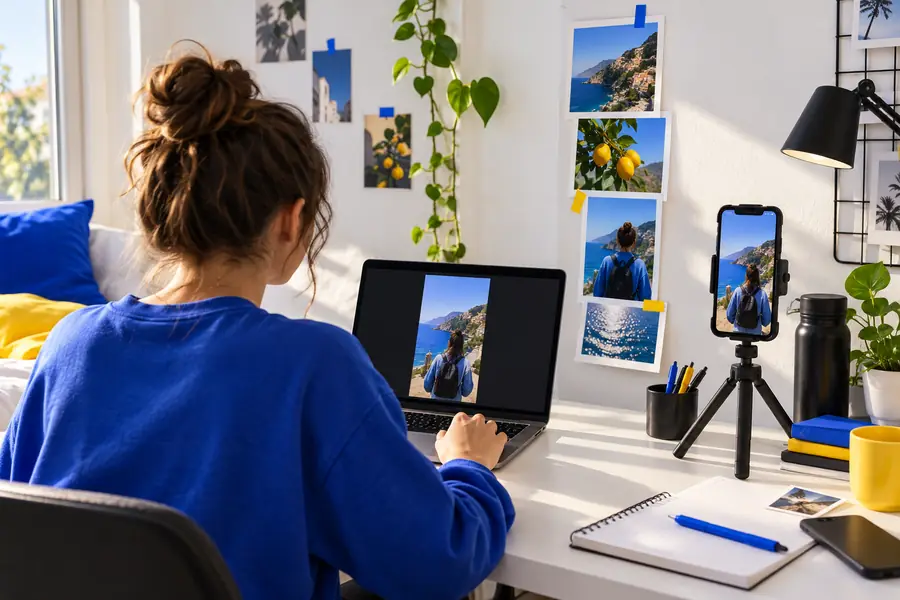 Review and export
The common failure is assuming that editing access and a usable finished file are the same thing. These situations call for different checks before you invest in a full project.
A short clip looks right in preview, but a visible mark would distract from the post.
Verify the export itself, not just the editing view, before finishing the series.
free online video editor no watermarkToo many effects make it hard to tell whether the simple cut is working.
Complete one cut-and-preview pass before adding anything decorative.
online video editor tutorial for beginnersA large source file or unstable connection interrupts the editing session.
Test the setup with a short clip and retain a local copy of the source.
online video editor for pcThe edit is finished without considering the format or readability of the uploaded video.
Review the intended destination before setting the frame and final text.
online video editor for youtubeOnlinevideo can help you approach an online video editor with a practical brief. If you want to try the linked product, confirm its current access and export terms there; they may differ from what you expect when searching for an editor for free.
Try editing a clipThat depends on the editor and the particular export you need. Check whether importing, editing, saving, and downloading are all available under its current terms before starting a time-consuming project.
Make sure you have permission to use the footage and consider whether it contains private details. Keep your original file, and check the service's current file and access requirements.
Watermark policies vary, and a clean preview does not prove that a downloaded file will be unmarked. Look at the current export terms and inspect a short test export when one is available.
Trim the beginning and end of one short recording, then preview it at normal playback speed. Once that works, consider captions or framing if your destination needs them.
Export settings and playback conditions can affect framing, text readability, and image quality. Watch the downloaded file on the device or platform where you plan to use it, rather than judging only the editor preview.