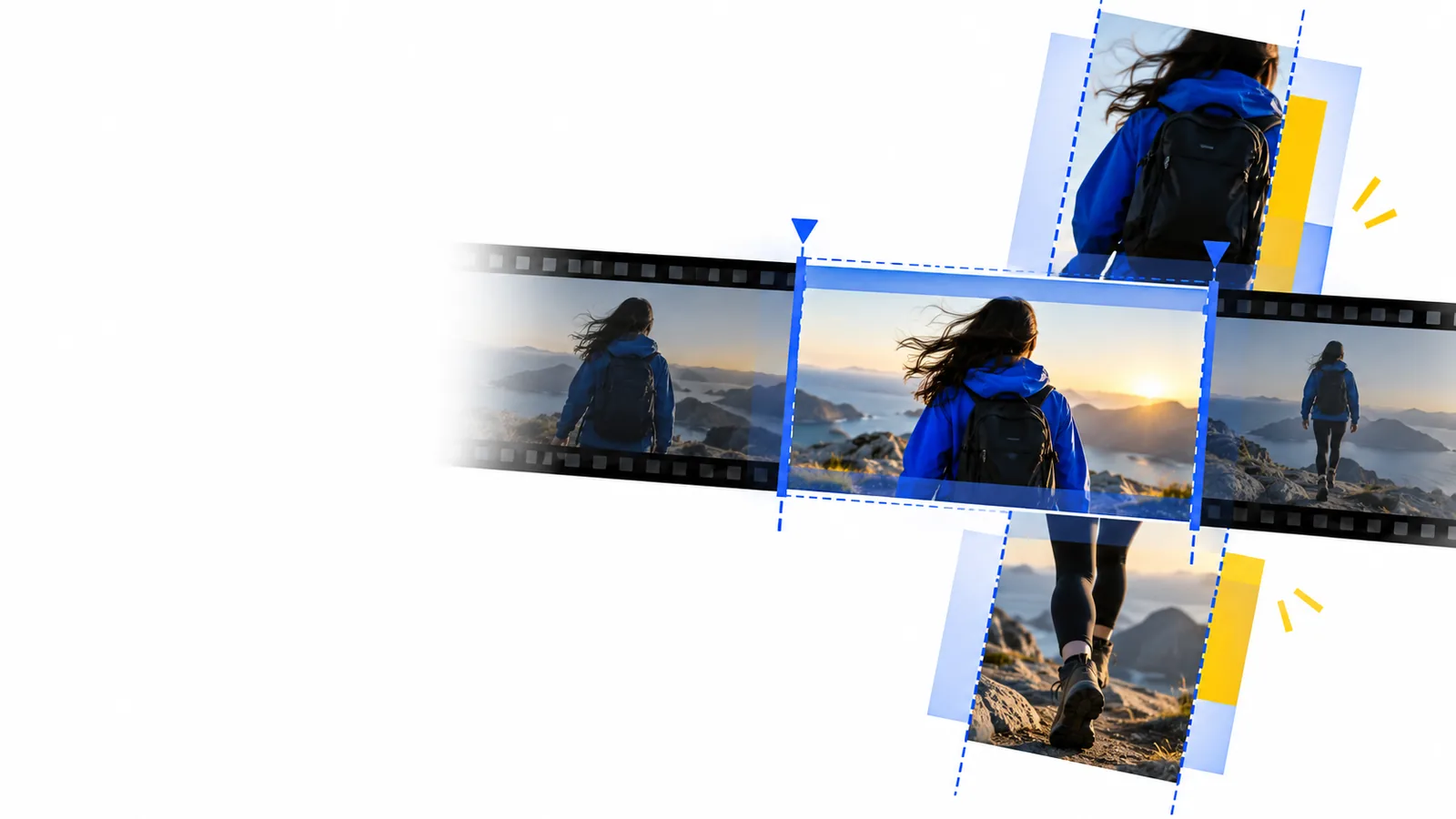
Desktop workflow

Build a workable online video editor for pc routine

An online video editor for pc fits best when your footage already lives on your computer and you want a clear path from source clips to a reviewable video. Start by deciding what needs to change, then check the editor’s available tools and export options before committing to a full edit.

Check available editing options
Onlinevideo editing workspace shown on a desktop screen

The audience’s existing pipeline

A PC editing task usually begins before the editor opens: footage is copied from a camera or phone, named, sorted, and checked for missing pieces.

Where we slot in

Use the browser-editing stage for a defined job rather than importing everything on your PC and deciding what to make afterward.

  1. 1

    Prepare a small source set

    Choose the clips that support one story, keep a local copy of each original, and write down the intended length and viewing format. If sound matters, listen for uneven levels and background noise before editing. Fewer, better-chosen files make the first pass easier to judge.

  2. 2

    Assemble a review cut

    Place the strongest opening first, remove obvious dead time, and make each transition serve the next point. Add text only where viewers need context that the footage cannot provide. Check the actual editor for the controls you need; browser-based tools differ in what they support.

  3. 3

    Inspect the result

    Play the whole cut on your PC without stopping. Watch for clipped words, abrupt audio changes, unreadable text, and a final frame that ends too soon. Review the available export settings and save or download a test result before treating the project as complete.

Before/after

The useful comparison is not how many effects were added. It is whether a viewer can follow the point of the video without waiting through unnecessary footage.

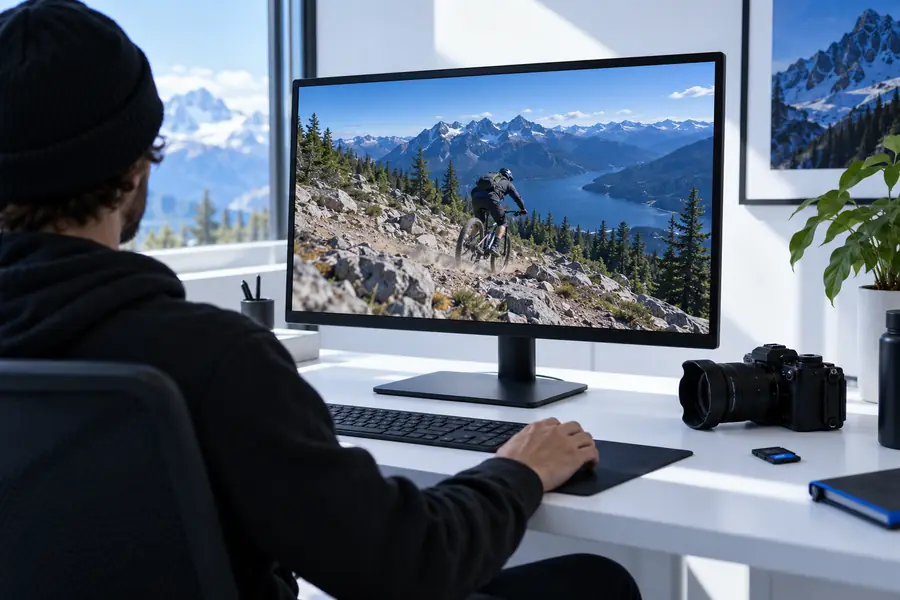
Illustrative frame representing an unreviewed source clip Source material
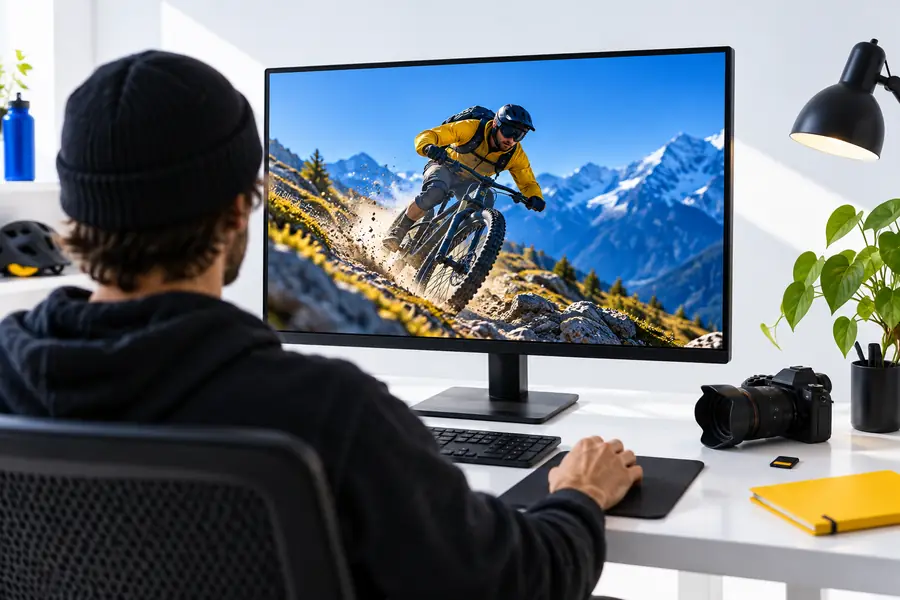
Illustrative frame representing a reviewed video cut Review cut
Illustrative frames, not a documented transformation of the same file. For your own before-and-after check, compare the source sequence with the exported cut: the opening should establish the subject sooner, captions should be legible at normal viewing size, and the ending should leave enough time to absorb the last point. Keep the source files so you can revise the cut if a reviewer asks for changes.

Deliverable spec

Define the handoff before editing. A usable video is one that meets the destination’s requirements and leaves the next person knowing which file is final.

YouTube creator

You have a talking-head recording, a screen capture, and a thumbnail plan on your PC. Decide which footage carries the explanation, then check that titles remain readable on smaller screens.

Hand off a clearly named review file and confirm its orientation and playback before uploading. If the destination is a channel, the online video editor for youtube guide covers planning around that publishing context.

online video editor for youtube

Team reviewer

A colleague needs to approve a short update assembled from several desktop recordings. Put the key result near the start and keep the source clips available in case a claim needs checking.

Send one version with a revision number and a short note identifying what feedback you need. A beginner editing walkthrough can help a new teammate repeat the process.

online video editor tutorial for beginners

Product demonstrator

Your PC holds a screen recording, close-up footage, and a few photos. Decide whether each still image explains a feature or merely interrupts the demonstration.

Deliver a cut whose steps remain understandable without the original file names. For projects built primarily from stills, the online video maker with photos guide offers a more suitable starting point.

online video maker with photos

Prepare your next PC edit

Move from a folder of clips to a reviewable cut

Onlinevideo gives you a starting point for exploring an online video editor for pc. Bring a specific editing goal, check which tools and export choices are available, and test the result before sharing it. Your final handoff should include a clearly named video, its intended destination, and any notes a reviewer needs to assess it.

Explore editing options
  • Keep original clips on your PC
  • Review the complete cut before sharing
  • Verify the exported file against its destination

Scenario FAQ

A browser-based editor may let you work through the editing process on a PC without installing a traditional desktop application. Check the specific service’s file, browser, and export requirements first. Keep your original footage locally so you are not relying on a single working copy.

Gather the clips you intend to use, check that each one plays, and put the originals in a separate folder. Note your target audience, orientation, approximate length, and any text that must appear. Those decisions make it easier to judge whether the available editing tools fit the job.

That depends on the editor, your browser, your connection, and the files themselves; there is no universal size or performance limit. Check the service’s stated limits before moving a large project into it. A short test with representative footage can reveal problems before you prepare the whole cut.

Play the exported file from beginning to end, not just the editing preview. Confirm that speech is audible, text can be read at the intended viewing size, and no clip ends unexpectedly. Check the destination’s current file requirements and give the final version a name your recipient can recognize.

Edit a video
Edit a video