Product demonstrator
A brightening effect might reveal the product, but could also distort its real color.
Compare a short treated section against the original before applying the same look throughout.
video editor no aiEffects guide
A free online video editor with effects can be a useful starting point, but the effect should serve the footage. Decide what viewers need to notice, then check an editor’s available controls and export terms before committing to an edit.
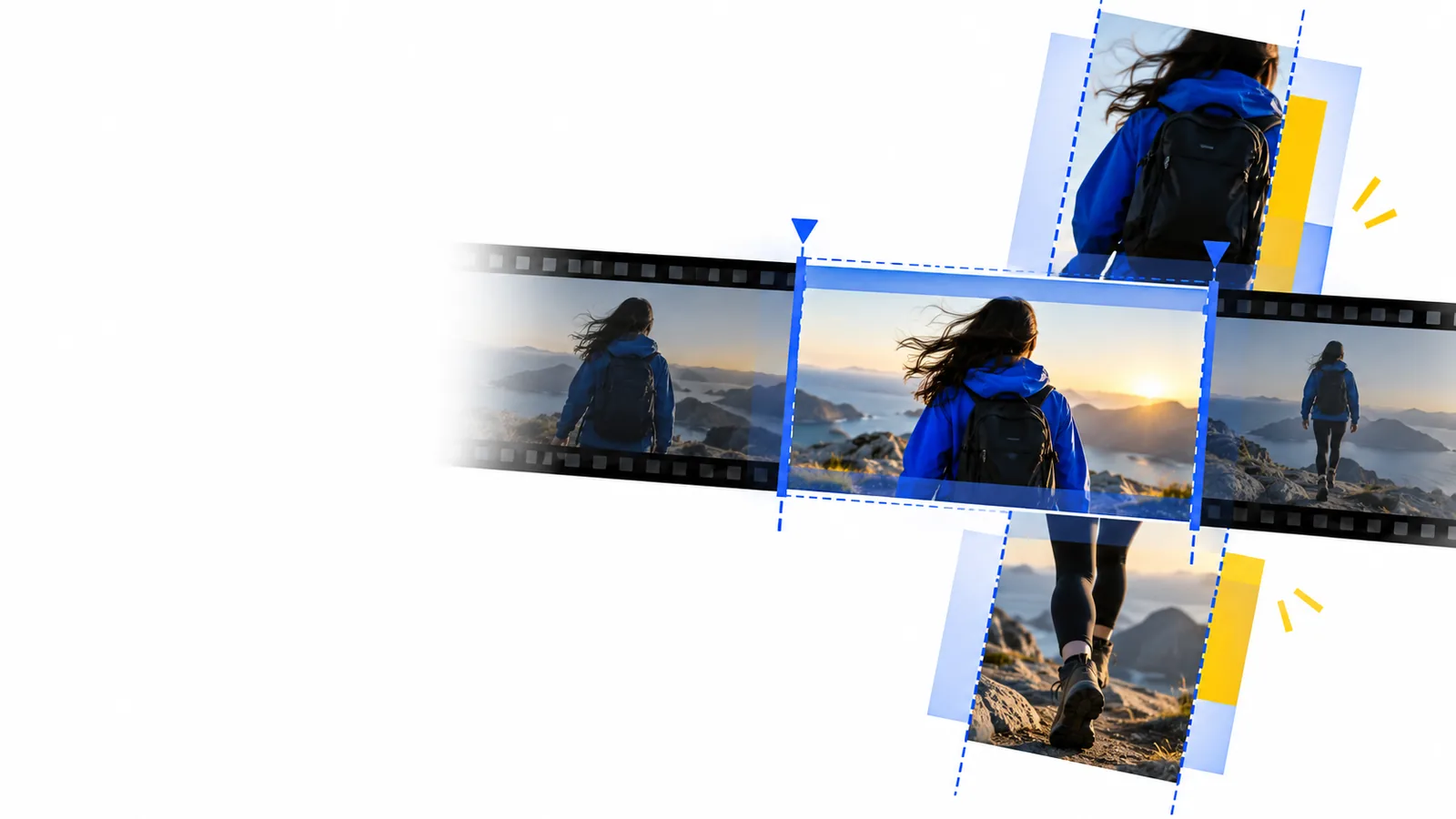
A general online video editor helps you assemble a coherent sequence; an effects-first plan begins with a particular visual change. Either way, the cut must work before decoration is added.
Unlike a basic trim, a visual treatment changes how footage reads. These situations call for different checks before you settle on an online video editor.
A brightening effect might reveal the product, but could also distort its real color.
Compare a short treated section against the original before applying the same look throughout.
video editor no aiA transition may clarify a change of scene or simply interrupt the pace.
Place it between two test clips and watch at normal speed before repeating it.
video editor no aiClips from different locations can look inconsistent even after their timing feels right.
Assemble the sequence first, then decide whether a shared color treatment helps.
automatic video editor online freeSelect the footage, remove unwanted starts and ends, and put clips in order. Play the sequence without effects so you can spot pacing problems rather than conceal them.
Choose one clip and a specific aim, such as softening a cut or making a dim subject easier to see. Preview the result alongside the original instead of assuming the strongest setting looks best.
Review the whole edit for abrupt changes, unreadable details, and inconsistent color. Before export, confirm which effects, output settings, and usage terms the chosen online video editor actually provides.
Heavy blur, clipped highlights, and footage that is far out of focus may remain distracting after a visual treatment.
Workaround
Choose a clearer take or shorten the affected shot.
Transitions and color changes will not explain why a clip appears or repair an edit with confusing timing.
Workaround
Reorder or trim the sequence, then revisit the treatment.
An editor may display an effect while placing conditions on its use, resolution, or final output. This page cannot verify those terms for every destination.
Workaround
Check the editor’s current export screen and terms before investing time in a full project.
Use this table as a planning comparison, not a claim that every online video editor includes the same controls.
First question
General editing workflow
Which clips belong in the story?
Effects-first workflow
What visual change should viewers notice?
First test
General editing workflow
Watch the rough sequence.
Effects-first workflow
Compare one treated clip with its original.
Primary risk
General editing workflow
Slow pacing or unclear order.
Effects-first workflow
A treatment that distracts or hides detail.
Transition check
General editing workflow
Does the next shot arrive at the right moment?
Effects-first workflow
Does a transition clarify the scene change?
Color check
General editing workflow
Do adjacent shots feel consistent?
Effects-first workflow
Does the treatment preserve important real-world colors?
Before export
General editing workflow
Review timing and audio across the full cut.
Effects-first workflow
Review consistency and confirm effect-specific export terms.
Use your edit goal to evaluate an online video editor: make a clean cut, test one effect, and confirm the result and export terms before applying it everywhere.
Explore video editingCheck whether the effects you want are available for the footage you have, whether you can preview them, and what terms apply to export. A useful treatment should improve the edit without making important details harder to see.
Usually, trim and arrange the clips first. Once the sequence works on its own, you can judge whether a transition or color treatment adds anything.
A modest adjustment may make some footage easier to watch, but it cannot reliably recover detail that was never captured. Compare the edited result with the original and consider replacing a severely blurred or overexposed shot.
That depends on the editor and its current terms; an effect appearing in a preview does not establish what is included in an export. Check the export options and any conditions before building a project around a particular treatment.