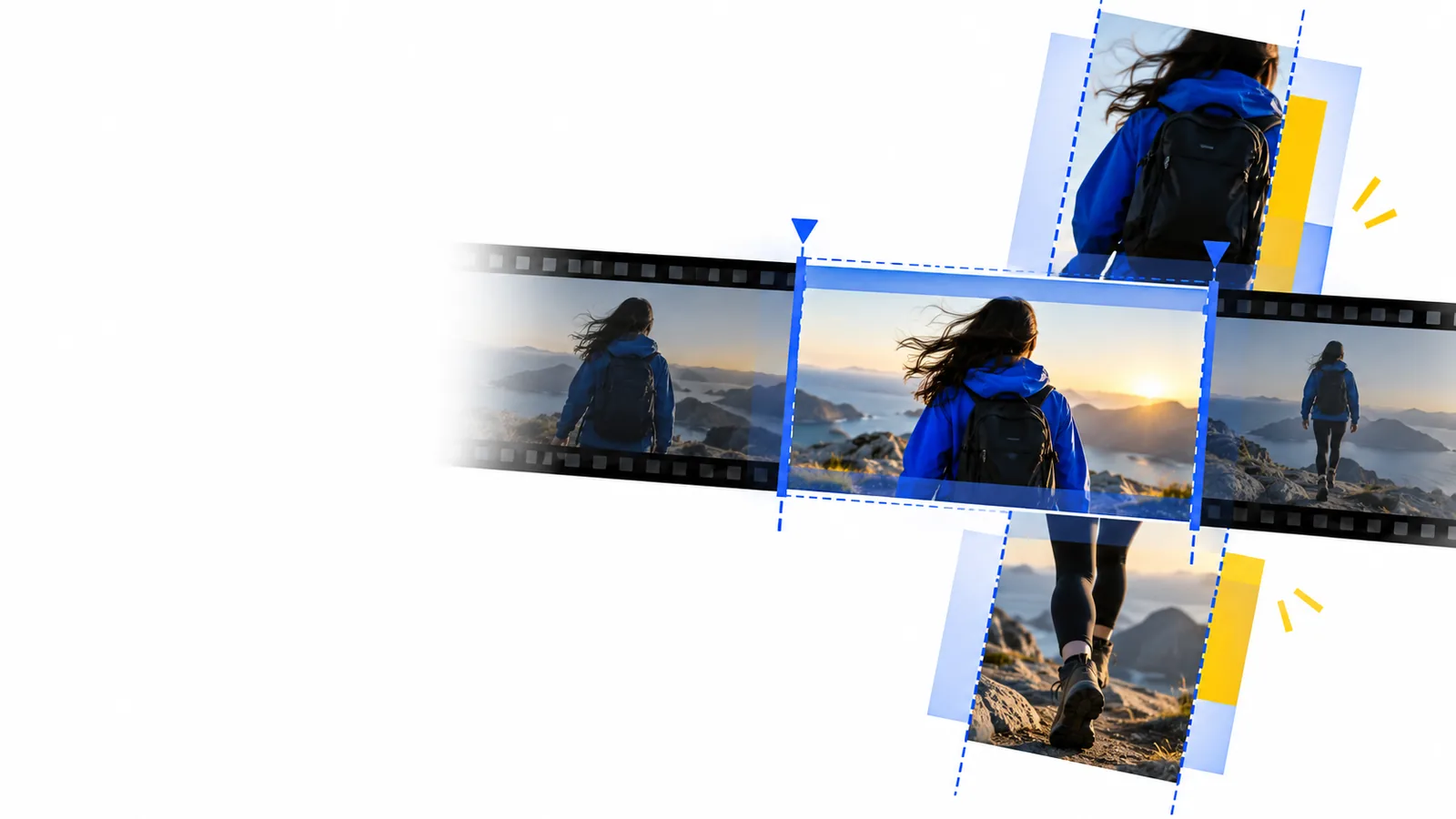
Photo-led video

Create a story with an online video maker with photos

A photo video works when every image has a purpose, enough time on screen, and a clear relationship to the next. Use this guide to plan the sequence before you start editing.

Check access and pricing
Onlinevideo landing visual

What this scenario must deliver

Before choosing transitions or music, decide what the viewer should understand from the finished sequence. These three decisions give an online video editor a useful brief.

  1. 1

    Choose one story

    Write a single sentence describing the event, product, place, or change shown in the photos. If an image does not support that sentence, set it aside rather than forcing it into the video.

  2. 2

    Arrange the evidence

    Put the images in an order a new viewer can follow: opening context, meaningful details, then a closing image. Chronological order suits trips and events; a before-and-after sequence suits progress stories.

  3. 3

    Set a viewing pace

    Allow extra time for photos containing faces, text, or several points of interest. Use shorter holds only when the subject is immediately clear, and review the sequence at normal playback speed.

Each item

The right choice depends on what an image needs to communicate. Use this table to decide whether a still photo or a short moving clip better serves each part of the story.

Still photo in the sequence
Short moving clip

Opening

Still photo in the sequence

Establishes a person, place, or product with a carefully chosen frame.

Short moving clip

Adds motion when an action is essential to understanding the setting.

Key detail

Still photo in the sequence

Gives the viewer time to inspect an expression, object, or written sign.

Short moving clip

Shows a process that would be ambiguous in a single frame.

Caption

Still photo in the sequence

Needs a long enough hold for the words and image to be read together.

Short moving clip

Needs careful placement so movement does not compete with the words.

Transition

Still photo in the sequence

A simple cut often keeps attention on the images rather than the effect.

Short moving clip

A cut can preserve momentum between related actions.

Audio

Still photo in the sequence

Music or narration can provide continuity across otherwise silent images.

Short moving clip

Original sound may carry information worth preserving.

Closing

Still photo in the sequence

A memorable final frame gives the message time to settle.

Short moving clip

A final action works when its ending is visible before playback stops.

Quality bar

Check the exported video as a viewer would, not just as its maker. A capable online video editor cannot rescue a sequence whose images, captions, and pacing work against one another.

Family storyteller

A holiday album mixes portraits, landmarks, and meals. Start with a location image, group related moments, and keep the final frame on screen long enough to feel like an ending.

A short story that relatives can follow without knowing when every photo was taken. For the editing basics behind that sequence, see the beginner tutorial.

online video editor tutorial for beginners

Small-business owner

Product photos show different angles and details. Lead with the full product, move to useful close-ups, and check that every caption names something the viewer can actually see.

A focused product overview rather than a rapid gallery. The guide to adding effects explains when a visual treatment supports the message instead of distracting from it.

free online video editor with effects

Event organizer

Photos from a community event include speakers, attendees, and venue details. Group them by moment, check names and dates, and avoid repeating near-identical crowd shots.

A recap with a clear beginning and finish. If it is intended for a channel, review the YouTube-focused guide before preparing the final version.

online video editor for youtube

Common rework

Give your photos a sequence worth watching

The most common fixes happen after the first full viewing: replace blurry images, remove duplicates, lengthen frames with captions, and shorten stretches that repeat the same idea. Check the opening and ending separately, then watch once with sound and once without it. When your photo order and message are ready, take that plan into an online video editor and review its output before sharing.

Make a photo video
  • Keep only images that advance the story
  • Read every caption at playback speed
  • Check the final video before sharing

Scenario FAQ

Select the images that tell one clear story, arrange them in viewing order, and decide where captions would add context. Then assemble the sequence in a video-making tool and watch the result all the way through before sharing it.

There is no universal count; use as many as the story needs and no more. If several photos make the same point, keep the strongest one or two and give them enough screen time to register.

No. A simple image may be understood quickly, while a group photo or a frame with text needs a longer hold. Watch at normal speed and adjust any frame that disappears before you can take it in.

Yes, but check how each image fits the chosen video frame. Avoid crops that cut off faces, products, or important details, and review the entire sequence for distracting changes in framing.

Neither is required for the story to make sense. Clear image order and readable timing come first; add sound or transitions only when they improve the viewing experience, and check that you have permission to use any audio you include.

Edit a video
Edit a video